


 WhatsApp us for inquiries


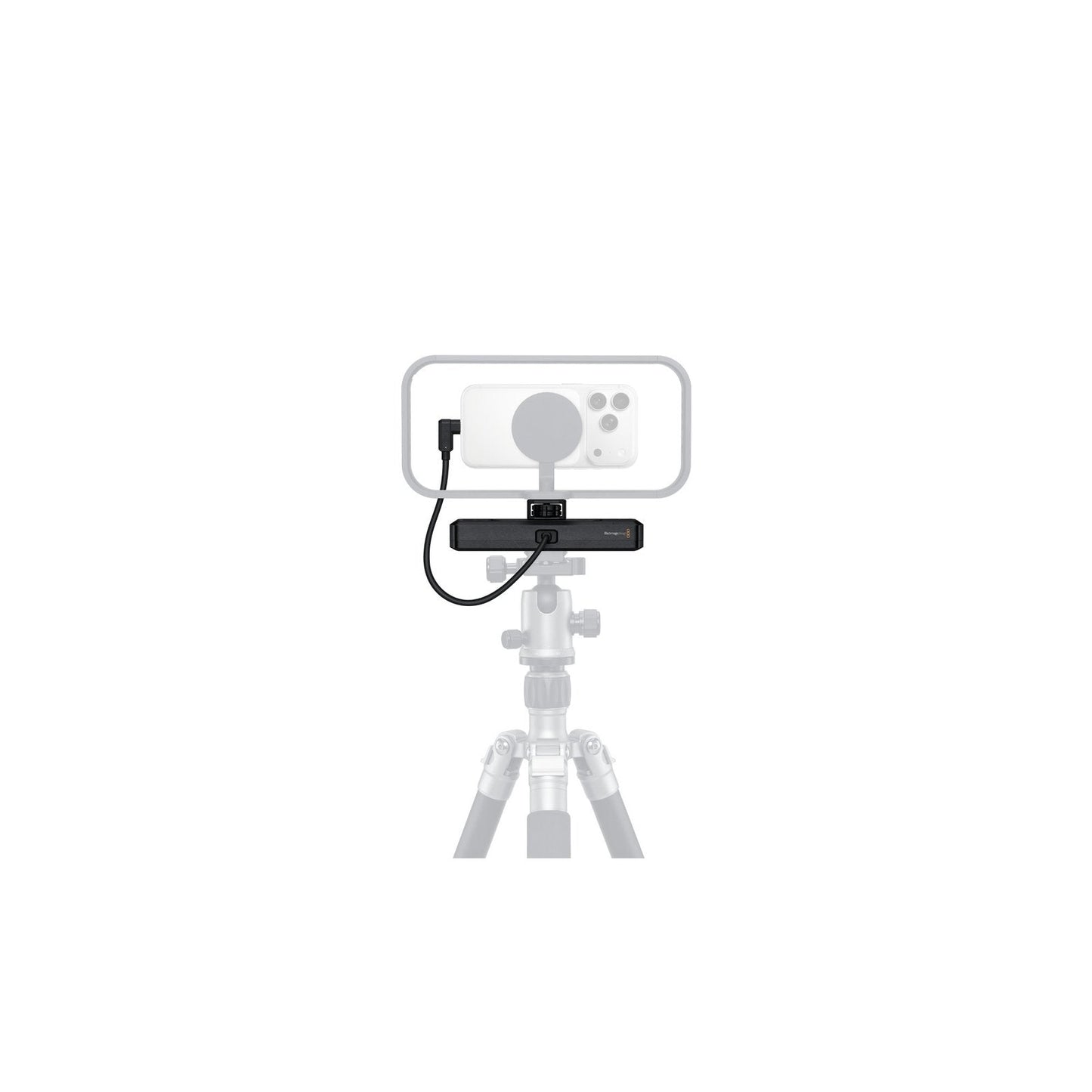
When image acquisition begins, Leverage the power of the iPhone and incorporate it inside a professional production by through the Camera ProDock from Blackmagic Design. Connect the ProDock to your iPhone 17 Pro or Pro Max via the attached USB-C cable. This gives the iPhone access to the ProDocks assortment of interfaces. You have BNC genlock and timecode links for keeping shots in sync, three USB-C ports for lens/camera control accessories or storage, a HDMI feed for observation, and two 3.5mm ports for a microphone or headphones. The ProDock also allows the BlackMagic Camera app on the iPhone, which includes high-end capabilities, such as ProRes RAW shooting and genlock.
Additional Details: Guide
- Synchronize cameras and LED walls for flick-free production with your iPhone
- Use timecode data to sync shots during editing, such as with DaVinci Resolve
- 1/4"-20 pin lock mounting points on top and bottom for attaching to your rig


