


 SKU: SWPANELAA1ME10
Blackmagic Design ATEM Micro Panel
Blackmagic Design ATEM Micro Panel
In stock
View full details WhatsApp us for inquiries

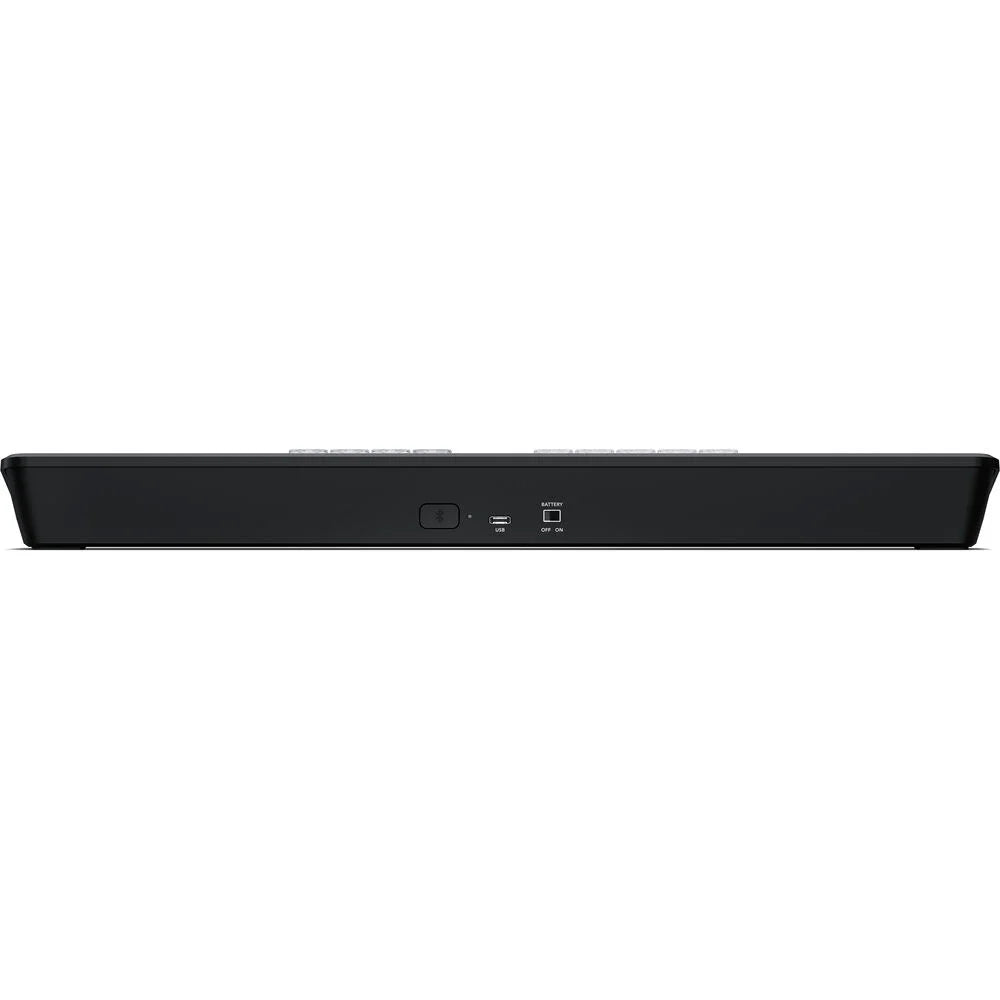
Blackmagic Atem Micro Live Stream Switcher Panel: Guide
From the sensor onward,
 Add tactile switching controls to the ATEM Software Control workspace through Blackmagic's Configuration ATEM Micro Live Stream Switcher Panel. This space-efficient panel mirrors the layout of the software, offering two rows of ten source dedicated preview and program keys, transition controls, macro access, and an integrated fader. Whether you prefer manual or automated control, this panel offers seamless operation for your broadcast.
Illuminated production keys and a smooth manual transition lever bring the control feel of larger ATEM Enhanced Panels, the Micro Panel maintains a professional operator experience. Connect it to your personal computer via USB-C or utilize the onboard Bluetooth 5.1 LE signal for wireless operation. With a large onboard battery for extended production sessions, you can power the panel on and off through the onboard switch, maintaining dependable performance throughout the day.
operation setup of Blackmagic Atem Micro
- 1 mix effect row
- 10 direct cross-points
- 20 shifted cross-points
- 1 preview transition
- 4 M/E select buttons
- 4 upstream key buttons
- 2 downstream key buttons
- 1 transition slider
- CUT and AUTO switching-type buttons
- DIP, DVE, STINGER, MIX, and WIPE transition-type buttons
Locate us: https://goo.gl/maps/YZQmjfG5vYQS3ZLU7
Key Features
- For ATEM Constellation Switchers
- Works with ATEM Software Control
- Connects via Bluetooth, USB
- 2 x 10 Input Buttons for Program/Preview
- Transition Control, Fader
- Macro Key
Shop by Categories


Explore other brands


