


 SKU: SWPANELCCU1
Blackmagic Design ATEM Micro Camera Panel
Blackmagic Design ATEM Micro Camera Panel
In stock
View full details WhatsApp us for inquiries


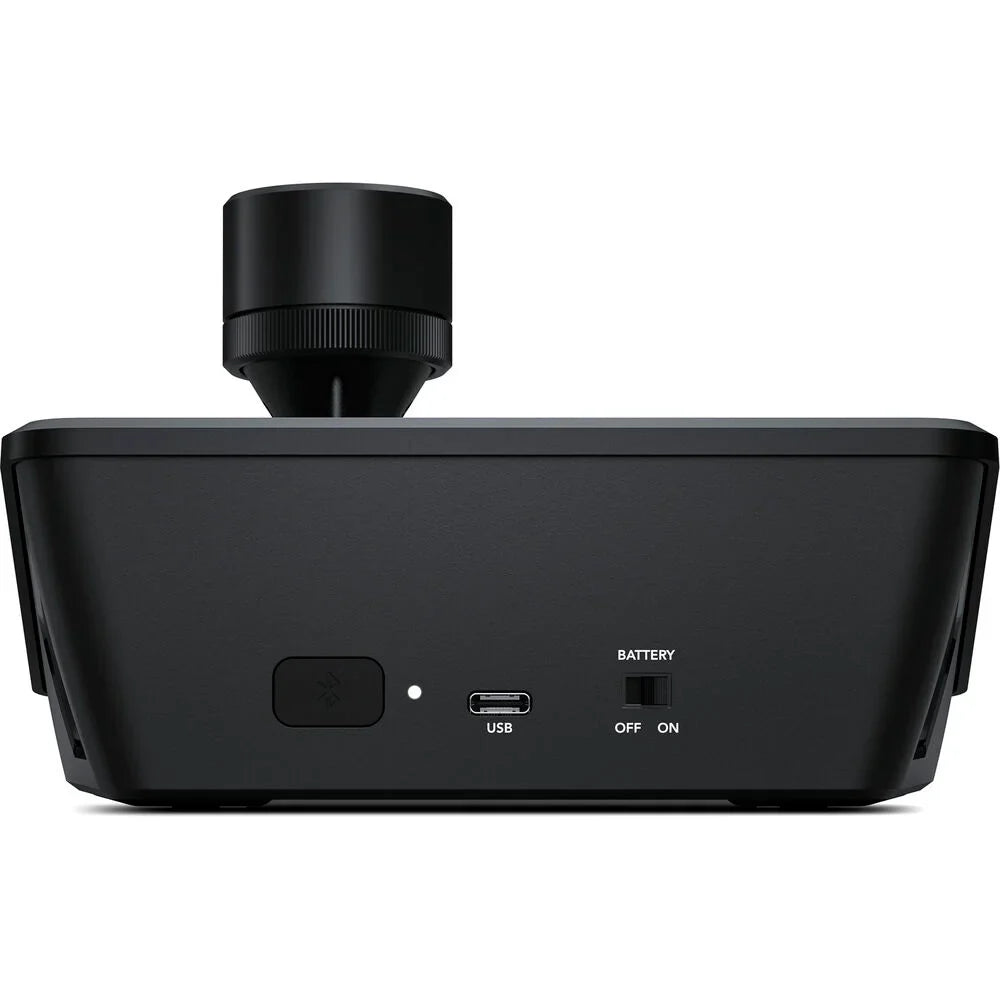
In practical monitoring terms, Blackmagic Configuration ATEM Micro Camera Panel OverviewControl up to eight URSA Mini Pro, URSA Broadcast, or Blackmagic Studio cameras with the ATEM Micro Camera Panel from Blackmagic Configuration. This space-efficient cousin of the ATEM Camera Control panel provides eight assignable NKK camera choose buttons, red/green on/off air button illumination, a 3-axis joystick, and several controls for iris control, preview, gain, filters, shutter, white balance, and more. The panel operates on a built-in battery and charges via USB-C. It connects to a computer to use ATEM Software Control via USB-C and can additionally connect wirelessly via Bluetooth for a fully mobile experience.
operation up to Eight Cameras
A live production needs consistent color from every camera so cuts and transitions retain the same visual balance. The ATEM Micro Camera Panel enables you to choose between up to eight cameras in one panel. Whenever used with a larger number of cameras, it's very quick to change which camera you control on each CCU channel. It provides a full set of traditional CCU controls, so you always get a detailed indication of the camera state.
Camera Controls and Scene
The top section on each camera control has settings for changing camera settings, plus it lets you save and recall scene presets. Getting remote access to important camera settings is vital whenever working in conditions where the light can change during your job, such as daylight. With these settings, you can quickly refine cameras based on changes in the scene. Controls in this section incorporate master gain, ND filters, white balance, shutter speed, and more.
Pedestal Controls and Gain
The center section contains independent RGB controls for adjusting the camera color for the white and black parts of the picture. These red, green, and blue controls for adjusting blacks and whites mean you can accurately match several cameras, which is vital for cutting seamlessly without color shifts. One trick experienced camera control crews use is to refine only the red and blue channels, so you can add and remove red and blue tint without getting too far away from accurate color.
Iris Controls and Lens
The main control for working the cameras is the high-quality professional joystick to precisely refine the iris whenever moved up and down and the master black whenever the knob is rotated. This is the same type of control used on broadcast camera control units, so you get a true professional operator interface. There's additionally a call button for communicating with the camera operator, along with a panel lock button and indicators for the network, power, and cable link to the camera.
Key Features
- Compact Camera Control Panel
- Control up to 8 Cameras
- Joystick Control, Red/Green Tally LEDs
- USB-C or Bluetooth Computer Connections
- Battery Powered with Power Switch
- CCU Channels to Control More Cameras
- Aux Output, RGB Balance Knob Controls
Shop by Categories


Explore other brands


